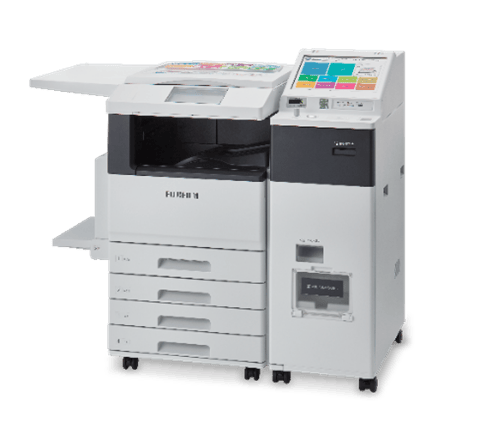
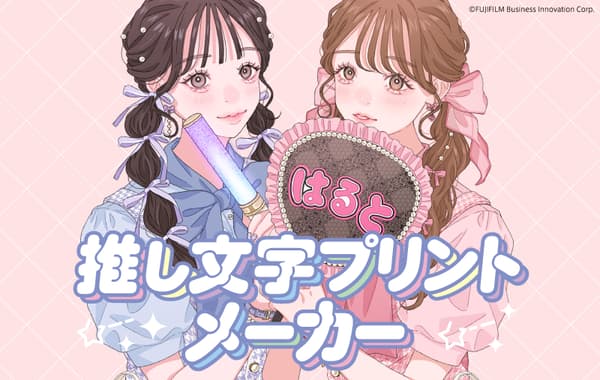
Seven-Eleven Japan Co., Ltd. (Headquarters: Chiyoda-ku, Tokyo; President: Tomohiro Akutsu) has launched a new web service called "Oshi-moji Print Maker" in collaboration with its in-store multifunction copy machine service "Net Print." The service allows users to create customized fan support messages using their favorite words.
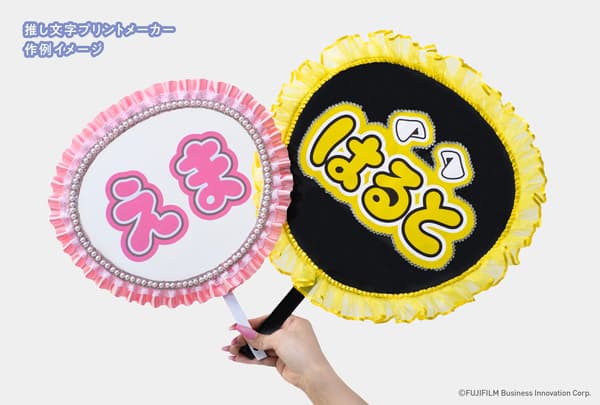
Users can easily create adorable lettering designs perfect for concert name uchiwa and boards, and print them directly at Seven-Eleven stores. This service is ideal for live events and concerts.
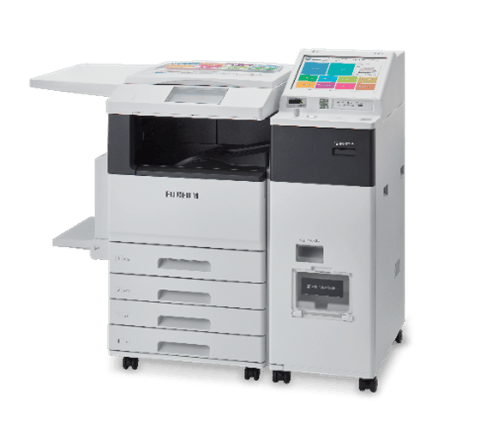
The web service is developed based on "Oshi-moji Print," which offers cute templates like "Peace して" (Do a peace sign) and "Burn して" (Do a burn pose), making it easy to prepare for concert support even at the last minute. Users can freely input their favorite idol's name, class names, or support messages, and design them to their liking, enjoying more creative freedom in making fan support items. The created designs can be registered with "Net Print" directly from the website and printed smoothly at multifunction copy machines in Seven-Eleven stores.
Service Features
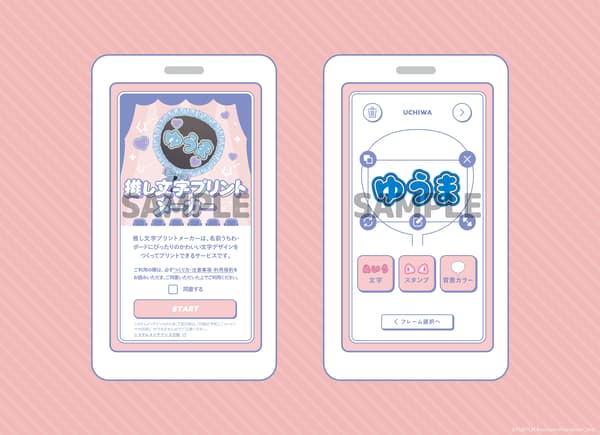
"Oshi-moji Print Maker"
Print paper types: Plain paper A3 size / A4 size (2 types)
Price: A3 size 100 yen / A4 size 60 yen (per sheet, tax included)
Frame options: Uchiwa / Board
Editable elements: Text (Hiragana) / Stamps / Background color
How to Use
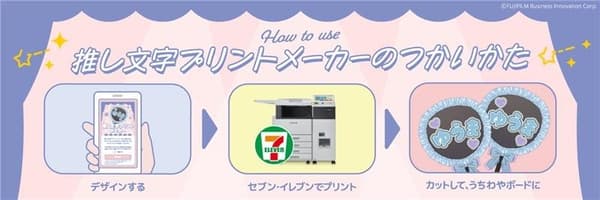
Access the "Oshi-moji Print Maker" website and click the "Start Creating Now" banner.
URL: https://www.fujifilm.com/fb/solution/multicopy/oshikatu/oshimojiprintmakerSelect either "Uchiwa" or "Board" frame and choose paper size (A3 or A4).
Enter text and stamps, change background colors, and edit the design to your preference.
Register your completed design with "Net Print" from the website, and scan the generated QR code at a multifunction copy machine in a Seven-Eleven store to print.
Cut the printed paper to fit the size of your uchiwa or board, and attach it to the uchiwa body or board to complete.
Visit your nearest Seven-Eleven and try out the "Oshi-moji Print Maker"!
*Images are for illustrative purposes only.
*Information is current as of the time of publication. Please check the official website for the latest information.
URL: https://www.fujifilm.com/fb/solution/multicopy/oshikatu/oshimojiprintmaker
*Prices include 10% consumption tax.
*QR Code is a registered trademark of DENSO WAVE INCORPORATED.
*Please check the store locator to find participating stores.
Store Locator: https://www.sej.co.jp/shop/index/